Is Your Computer Really Protected? Antivirus Alone Isn’t Enough Anymore
For years, one of the first questions people asked about computer security was simple:
“Do I have antivirus?”
Today, that’s still an important question—but it’s no longer enough.
Cyber threats have changed significantly. Modern scams, phishing attacks, malicious websites, compromised accounts, and ransomware don’t always behave like the traditional computer viruses antivirus software was originally designed to stop.
That means protecting your computer today requires multiple layers of security.
Antivirus Is Still Important
A reputable antivirus or endpoint security product remains an important part of protecting a computer.
It can help detect and block malicious programs, ransomware, suspicious behavior, and other threats before they cause damage.
But no security product can protect against everything.
For example, what happens when you receive a convincing email that directs you to a fake Microsoft 365 or Google login page?
The website itself may look completely legitimate. If you willingly enter your username and password, there may not be a traditional “virus” for your antivirus software to detect.
That’s why additional layers of protection matter.
Your Browser Is Now a Major Target
Think about how much you do through a web browser today.
You probably use it for email, banking, shopping, social media, cloud storage, and accessing important business accounts.
Cybercriminals know this.
Fake websites and phishing pages are designed to trick you into providing passwords, credit card information, or other sensitive information.
Web and DNS filtering can provide another layer of protection by blocking access to known malicious or inappropriate websites before they even load.
Software Updates Are Security Updates
We’ve all seen the notification:
“Updates are available.”
And we’ve probably all clicked “Remind me later.”
The problem is that many updates aren’t just adding new features. They’re fixing security vulnerabilities.
Once a vulnerability becomes publicly known, attackers may actively search for computers that haven’t been updated.
Keeping Windows and commonly used applications patched is one of the simplest ways to reduce that risk.
Backups Are Your Safety Net
Even excellent security can’t guarantee that something will never go wrong.
A computer can still experience ransomware, hardware failure, accidental deletion, theft, or physical damage.
That’s where backups become extremely important.
A properly configured backup gives you another option when something goes wrong instead of simply hoping important files can be recovered.
And backups shouldn’t be something you have to remember to manually run every day. Automated, monitored backups help ensure your important data is actually being protected.
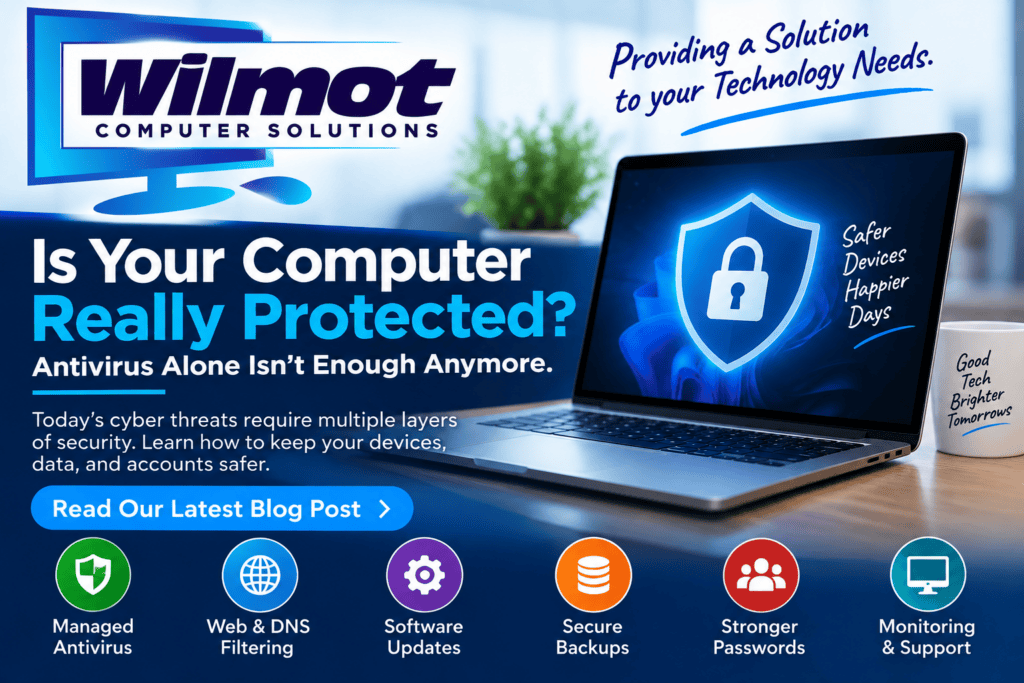
Security Works Best in Layers
Modern computer protection isn’t about installing one program and forgetting about it.
A better approach combines several layers:
- Managed antivirus and endpoint security
- Web and DNS filtering
- Windows and application updates
- Secure, monitored backups
- Strong passwords and multi-factor authentication
- Monitoring for potential problems
- A trusted IT professional you can contact when something doesn’t look right
Each layer addresses a different type of risk.
If one layer doesn’t catch something, another may.
That’s Where Wilmot Computer Solutions Can Help
Wilmot Computer Solutions provides computer support, security, monitoring, and backup solutions for home users and small businesses in West Dundee and the surrounding Fox Valley and Northern Kane County area.
Instead of waiting until a computer stops working or an account gets compromised, we can help monitor, maintain, secure, and back up your technology before small problems become major ones.
Technology doesn’t have to be complicated—and you shouldn’t have to figure everything out on your own.
If you’re unsure how well your computer or business is currently protected, we’d be happy to take a look and discuss your options.
Wilmot Computer Solutions
Providing a Solution to your Technology Needs.




 mail Phishing Scams Before It’s Too Late